 Arcadia Lab
Bass and effects
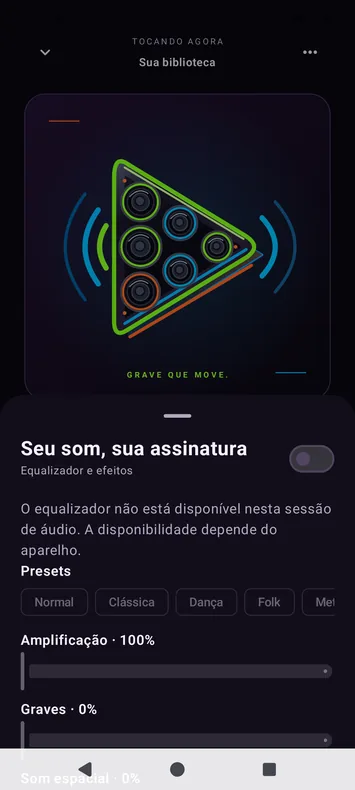
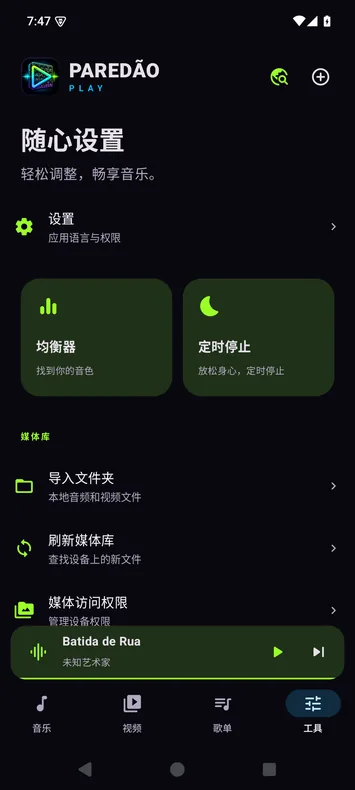
Tune the equalizer, use presets, and try bass boost and room effects.
Inspired by Brazil’s paredão sound systems. Tune the bass and play the music and video files already on your phone, even offline.
Download informationParedão Play / Demo
Key features
Tune the equalizer, use presets, and try bass boost and room effects.
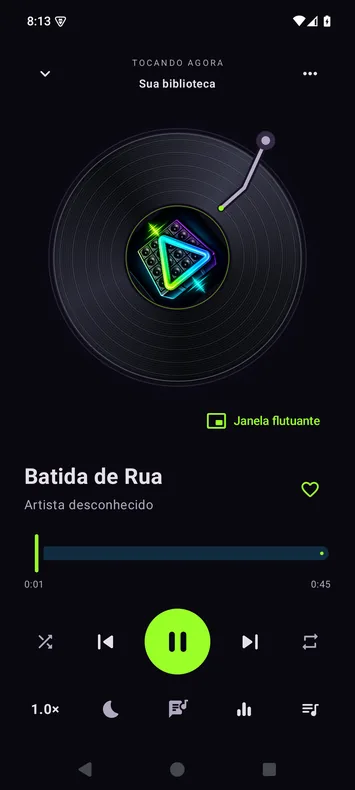
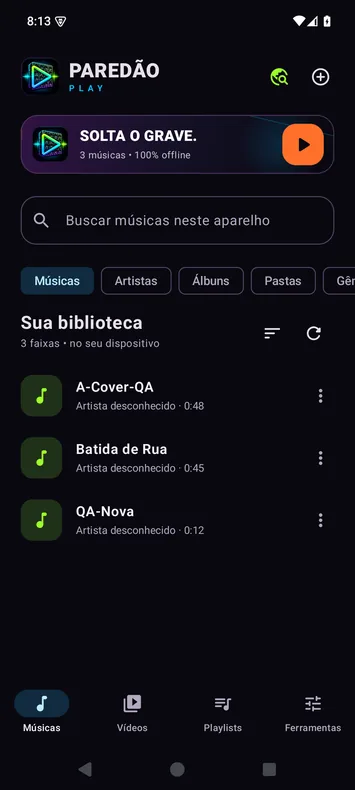
Find files by song, artist, album, genre, or folder. Adjust playback speed.
Create playlists, mark favorites, find your most-played tracks, and import synced LRC lyrics.
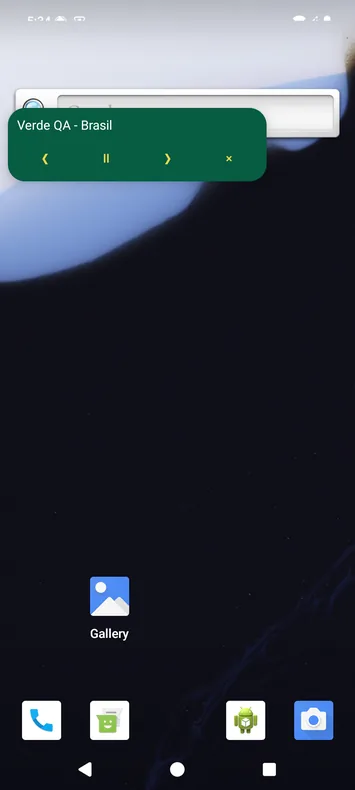
Control playback from the notification or widget. Keep listening in a floating window or watch video in picture-in-picture.
Scenarios
Pick an option to see it in the demo.
Tools
Extract audio from videos and export it as MP3 or M4A.
Trim a clip and set it as your ringtone.
Receive files from a computer on the same network. Up to 100 MiB per file in a 10-minute session.
Stop playback after 1 to 1,440 minutes or at the end of the track.
Export and restore music and supported library data, such as playlists and favorites.
Open a search on an external site or app.
Use dark theme and power-saving mode.
Hide or restore items, edit displayed titles, and share files.
Inside the app
FAQ
Your files play offline. Search shortcuts open external services, and Wi-Fi transfer uses your local network.
The app plays common formats such as MP3, M4A, and MP4. Support for individual files depends on their format and your device’s decoders.
Media access helps the app find your files. The floating window is optional and requires Android permission. You can also pick files with the system file picker.
Export a ZIP backup in the app and import it on the new device. It covers music in your library and supported data such as playlists and favorites.