 Arcadia Lab
Templates for every occasion
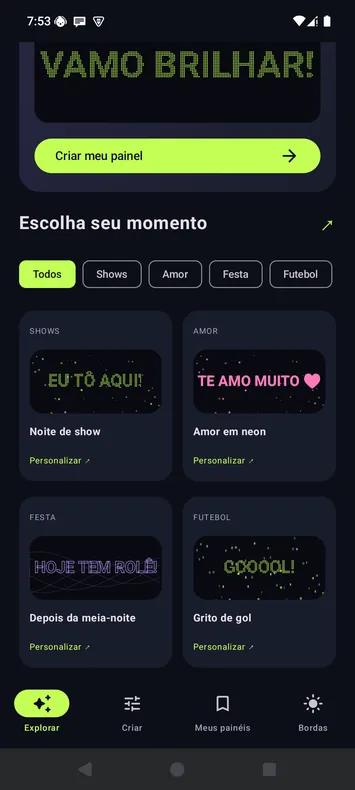
Start with a template for concerts, soccer, parties, birthdays, or welcomes.
Pick a template for the match, the concert, or the carnival parade. Write your message and turn your phone screen into a sign.
Download informationLED Banner / Demo
Key features
Start with a template for concerts, soccer, parties, birthdays, or welcomes.
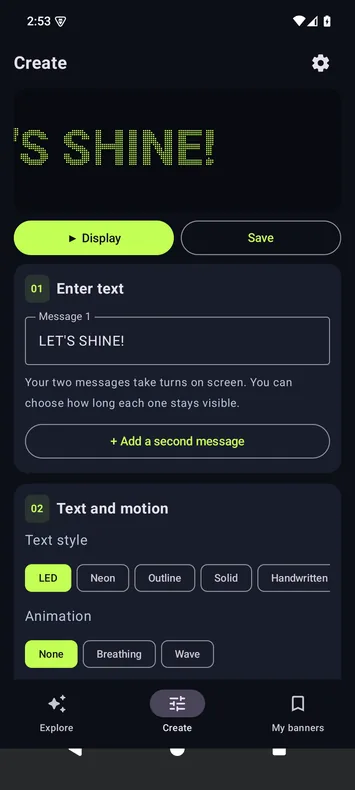
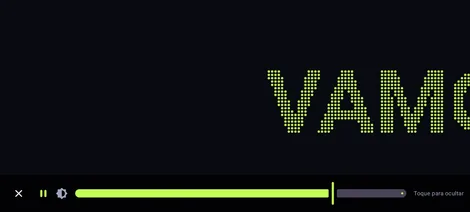
Choose from LED dots, neon, outline, solid, and handwritten text.
Adjust size and speed. Make text scroll, blink, pulse, or ripple.
Use the microphone to make the sign react to the beats around you.
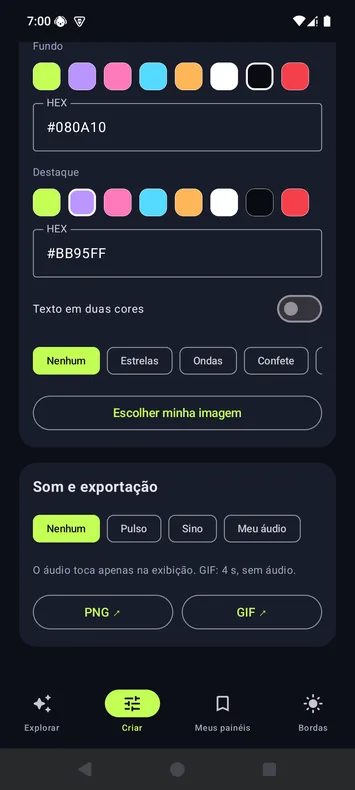
Combine colors, gradients, background photos, stars, and confetti.
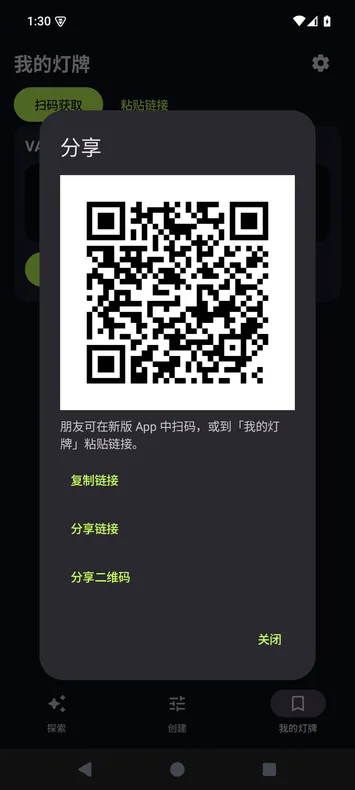
Reopen saved signs or share their settings by QR code or link.
Scenarios
Pick an option to see it in the demo.
Inside the app
FAQ
Yes. LED Banner is free and this version shows no ads.
The microphone is optional. Beat mode analyzes nearby sound on your device to animate the screen. The app does not save recordings or transmit that audio.
Anyone can view a shared image. To import and edit the sign’s settings from a QR code or link, they need the app.
The app keeps the screen on while displaying a sign. Exit the display to restore your device’s normal behavior.